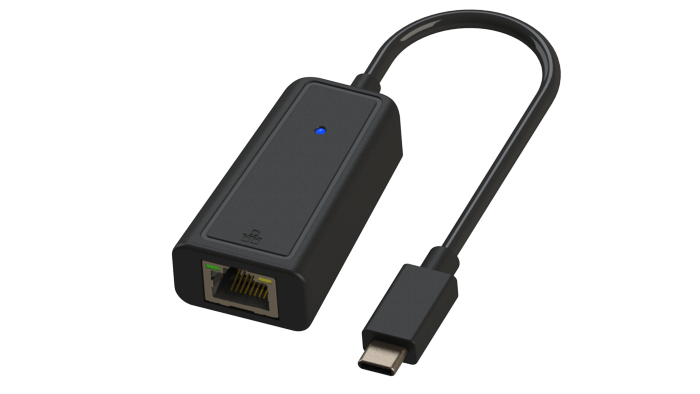
Description
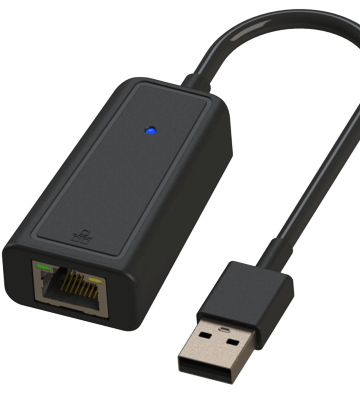
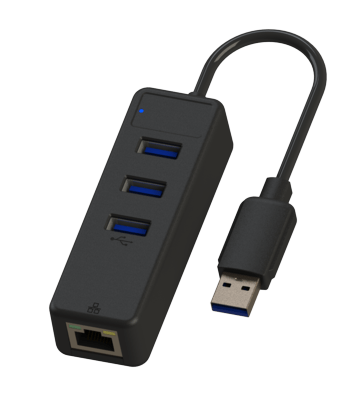
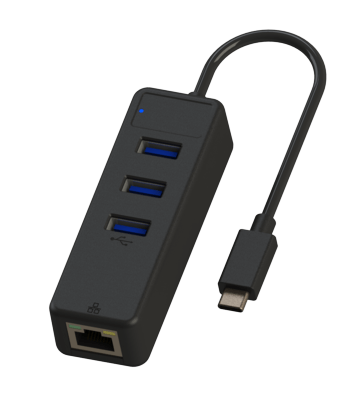
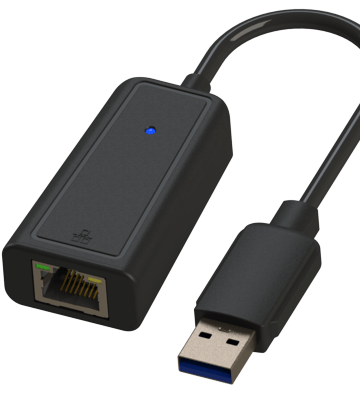
USB-CTM to Gigabit Ethernet Network Adapter
Technical Specifications
• Host Connector: USB-C Male
• Network: RJ-45 8P/8C Female Port
• Power: USB Bus-Powered
• LEDs status: Power-Blue, Link-Green, Data-Yellow
• Network support for WOL, FDX, HDX, Auto MDIX
• IP protocol support for IPv4 and IPv6
• OS Compatibility: OS Independent
• Warranty: 1-year limited
Installation Instructions
1. Connect the adapter directly to the USB-C port of the device
2. Check if the LED light is on
3. Connect the Ethernet patch cable
Note: The cable is sold separately. It is recommended to use Cat.6 cable for best performance
4. Check the router’s documentation for installation information
5. Supports MAC address pass-through (MAC clone)
Troubleshooting Tips
• Check if the LED light is on
• Test the Ethernet cable with another device
• Try another USB-A port
• Restart your computer
• If needed, configure the adapter with a static IP address
• Test by turning off all wireless functions
Note: Not compatible with Nintendo® products
• For more troubleshooting information, please visit: www.je-net.com.tw and search for UC3H1-0151-BK
• Please contact support@jyheng.com.tw for support